


SMC Insurance
Welcome to SMC.
How may I assist you?


![How to Check FASTag Balance Instantly in India [2026 Guide]](https://smcinsurance.com/SocialImages/2025/May/How-to-Check-FASTag-Balance-Instantly-in-India.jpg)
You can check your FASTag balance instantly using any of these official methods:
FASTag uses RFID technology under the National Electronic Toll Collection system to automatically deduct toll charges from your linked wallet or bank account when you cross a toll plaza. Checking your balance before travel helps avoid failed transactions and toll delays.
The drive felt great, the weather was perfect, and the road was smooth until the car slowed down next to a toll plaza.
Someone asked from the backseat, "What happened?"
You say while staring at the red light above the barrier, "The FASTag isn't working."
When you look at your phone, you see the notification, "Insufficient balance." That’s when the honking starts behind you.
This little incident has the power to quickly change a peaceful journey into a tense one. Driving through tolls becomes far easier with a FASTag, but only if you have enough balance. Nobody enjoys getting stuck or having to pay twice as much because they were unaware that their FASTag was low.
So, without having to guess or call someone, how can you quickly and conveniently check your FASTag balance? There are many methods, and most of them only require a few seconds. The most effective and quickest methods for checking your FASTag balance in 2026 are described in the article below. Let's get started.
Apart from checking the status, the NPCI portal also offers an easy way to view your FASTag balance, especially if your tag is linked through the NETC (National Electronic Toll Collection) system.
You can also use the official MyFASTag app (provided under the NETC FASTag ecosystem) to link your FASTag accounts from various issuers and check balance, status, and transaction history in one place.
From April 1, 2026, cash payments at toll plazas may be phased out on National Highways, requiring electronic payments like FASTag or UPI, increasing the need for sufficient FASTag balance.
If your FASTag is issued by ICICI Bank, there are multiple convenient ways to check your balance:
HDFC Bank FASTag users can track their balance in a few simple steps:
Bank of Baroda (BoB) provides an online portal and customer support to check your FASTag balance:
Axis Bank makes checking FASTag balance simple through multiple digital channels:
No one wants to be caught off guard at a toll booth with insufficient FASTag balance. Fortunately, there are multiple ways to keep tabs on it - from mobile apps to a simple SMS. Here’s how you can check your balance quickly and effortlessly.
Most banks and the National Highway Authority of India (NHAI) offer dedicated apps to manage FASTag accounts.
Note: The exact steps and app layout can differ for each bank or provider.
Do you prefer desktop? You can log into your FASTag account on your bank’s official website:
Note: Each bank may label its sections differently - like ‘Recharge FASTag’, ‘View Balance’, or ‘Transaction Summary’.
Whenever you cross a toll, you’ll usually receive an SMS showing the toll amount and your updated FASTag balance. Most FASTag issuers send automatic SMS alerts to your registered mobile number after a toll deduction, showing the updated balance. If your FASTag was issued via NHAI prepaid wallet, you can give a missed call to +91-8884333331 from your registered number and receive your wallet balance via SMS.
Note: The specific format and number to send the SMS to will depend on your FASTag issuing bank.
If you’re not into apps or internet banking, a simple call works too:
Note: Helpline numbers and working hours vary by provider.
Most banks send automatic email alerts after every toll deduction:
Note: This is useful for those who regularly monitor their email.
Some banks allow you to check FASTag balance using just your vehicle number:
Note: This method depends on whether your FASTag issuer has linked your vehicle number for balance queries.
Apart from bank portals and official apps, you can also check your FASTag balance using popular payment platforms like Paytm, PhonePe, and Google Pay. These options are quick, convenient, and often just a tap away - especially useful if your FASTag is linked to your wallet or UPI ID. Let’s go through how each one works.
If your FASTag is issued via Paytm, checking the balance is straightforward through the app.
Here are the steps:
Note: This works only if your FASTag is issued by Paytm Payments Bank. For FASTags issued by other banks, Paytm will not display balance details, but it may redirect you to recharge or link options.
PhonePe allows users to manage and recharge FASTag, but balance visibility depends on your linked provider.
Here are the steps:
Note: For some banks, PhonePe may only allow recharges without showing the balance directly. In such cases, the issuing bank’s SMS or app may be more accurate.
Google Pay provides FASTag services mainly through UPI-based recharge and linked partner integrations.
Here are the steps:
Note: Google Pay shows FASTag balance only if the linked bank supports real-time UPI fetch or has integrated with Google Pay services. Otherwise, it may redirect to recharge options.
These third-party apps offer fast and easy access to your FASTag account - especially if you prefer handling all your payments in one place. However, balance visibility can vary depending on your FASTag provider’s integration with each platform.
Every time your vehicle crosses a toll plaza, you might notice a lane where cars don’t stop - they just slow down, pass, and move on. That’s FASTag for you!
FASTag is a rechargeable tag placed on your vehicle’s windshield. It uses RFID technology as part of the NETC (National Electronic Toll Collection) ecosystem to automatically deduct toll charges from your linked wallet or bank account when you pass through toll plazas. The system then deducts the correct toll amount directly from your linked prepaid account, bank wallet, or FASTag wallet.
Here’s how the process works:
Using FASTag isn’t just about skipping the toll booth - it brings multiple advantages that make life on the road easier.
Here are the key benefits:
In short, FASTag makes road travel in India smoother, faster, and smarter - whether it’s your daily commute or a long highway trip.
And just like that, it's now as simple to check your FASTag balance as it is to check the weather on your phone! It takes less than two minutes to prepare, making it faster than a Maggi noodle cook-time. You always have control, even while you're on the road, because there are plenty of quick options to get it done. Imagine it as a portable, round-the-clock tiny toll manager. Make it a habit to check that balance and drive stress-free before your next road trip or city ride. After all, one easy check is the first step to a seamless toll booth experience!
Disclaimer:The information provided on this platform is intended for general awareness and educational purposes. While every effort is made to ensure accuracy, some details may change with policy updates, regulatory revisions, or insurer-specific modifications. Readers should verify current terms and conditions directly with relevant insurers or through professional consultation before making any decision.
All views and analyses presented are based on publicly available data, internal research, and other sources considered reliable at the time of writing. These do not constitute professional advice, recommendations, or guarantees of any product’s performance. Readers are encouraged to assess the information independently and seek qualified guidance suited to their individual requirements. Customers are advised to review official sales brochures, policy documents, and disclosures before proceeding with any purchase or commitment.
You can check your FASTag balance online by logging into the MyFASTag app, your issuing bank’s mobile app, or using third-party platforms like Paytm, Google Pay, or PhonePe. Once logged in, your balance and recent transactions will usually appear on the dashboard. The exact steps may vary depending on the platform or bank.
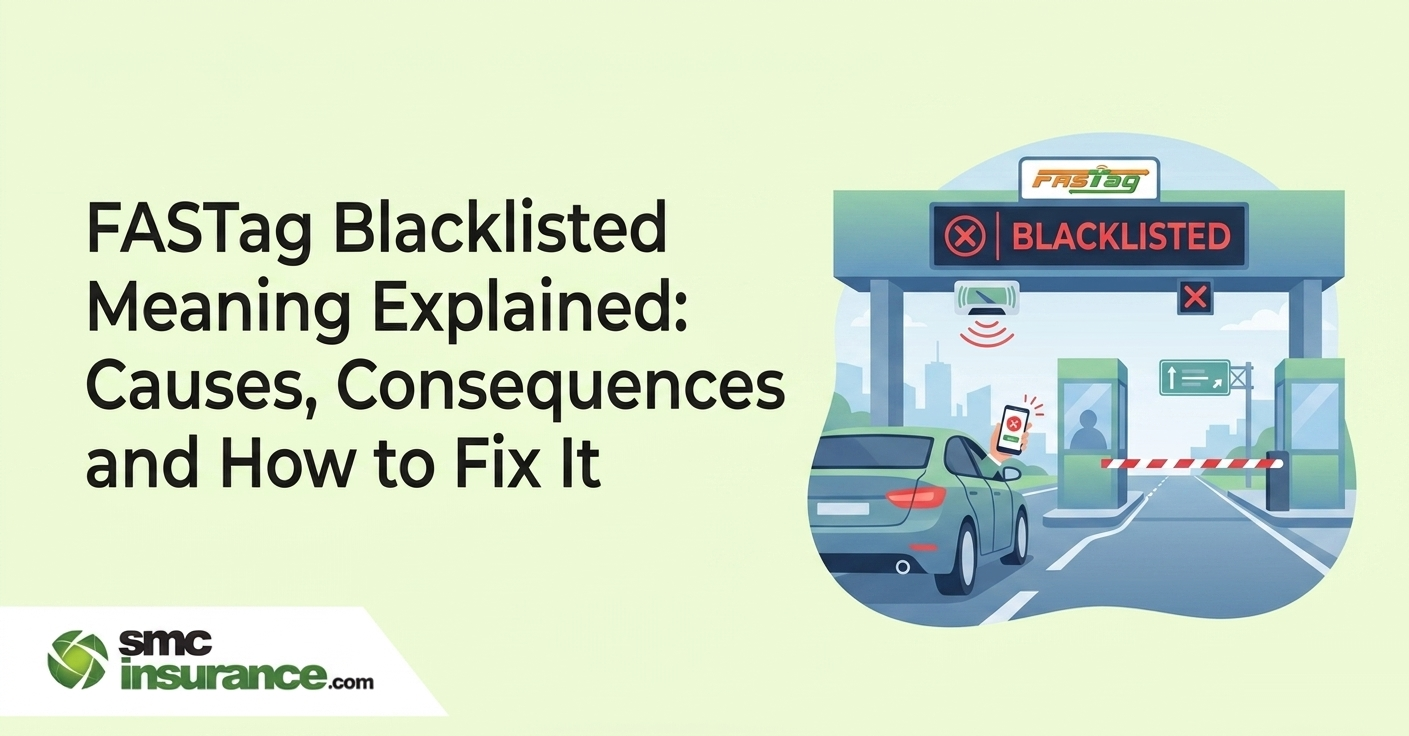
To check your FASTag status, log in to the MyFASTag app or the portal of the bank that issued your FASTag. The status will usually be clearly shown as “Active,” “Inactive,” or “Blacklisted.” If your tag is inactive or blacklisted, it’s often due to low balance or pending document verification.
Login steps depend on where your FASTag was issued. For the MyFASTag app, you can use your registered mobile number to log in with an OTP. If your tag is issued through a bank, you’ll usually need to enter your customer ID, registered mobile number, or vehicle number through their FASTag section.
To check your FASTag monthly pass balance, log in to your bank’s FASTag portal or app and head to the pass details section. There, you’ll find the pass validity, remaining usage (if applicable), and other related information. Availability of this feature may differ based on the issuing bank.
If you forget your FASTag ID, you can usually find it in the SMS or email received during registration, on the tag itself affixed to your vehicle, or inside your bank’s FASTag dashboard after logging in. If you still can’t find it, your bank’s customer support can help retrieve it.
It’s a good habit to monitor your FASTag balance regularly, especially before long trips or toll crossings. Checking it once a week or after any major toll travel ensures you don’t face issues like low balance or blacklisting at toll plazas.
Most banks allow a minimum recharge of Rs. 100, though some may have higher limits based on their internal policies. It’s best to check your bank’s recharge guidelines for the exact minimum amount.
If there’s an incorrect deduction from your FASTag balance, you should first check your transaction history and note the details. Then raise a complaint through your bank’s app, website, or customer care helpline. In case the issue isn’t resolved, you can also escalate it via the NHAI’s grievance redressal portal.
To activate a FASTag, you need to link it to your vehicle and complete KYC through the MyFASTag app or your bank. Adding balance will complete the activation. To deactivate your FASTag, log into your bank’s FASTag portal and place a closure request, or call their customer support to help disable the tag.
SMC Insurance Brokers Pvt. Ltd.
SMC Metro Mall, Near Pratap Nagar Metro Station, Pratap Nagar, New Delhi-110007
Registration No: 289, Registration Code No: IRDAI/DB-272/04/289, Valid till: 27/01/2029, License category: Composite Broker, CIN: U66000DL1995PTC172311
Insurance is the subject matter of solicitation.
Visitors are hereby informed that their information submitted on the website may be shared with insurers.
Product information is authentic and solely based on the information received from the Insurer.
